

Shroom and Gloom Beginner Guide
Learn how Shroom and Gloom combat and explore decks work, how cards grow, and how to read properties, triggers, enemies and route data.
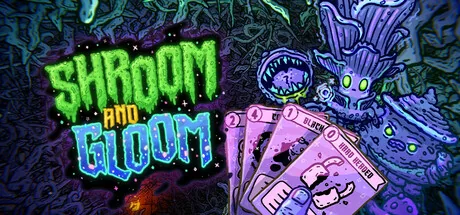
Use the Combat deck to survive fights and the Explore deck to move through dungeons, alter cards and open new options. Judge a card by its energy, trigger and role in the current deck before chasing its tier.
1. Keep Combat and Explore jobs separate
The official game description defines two distinct decks. The card list lets you filter 501 Combat and 460 Explore definitions, plus 31 separate Foresight effects.
2. Read the full rule chain
A card can combine a property, a trigger and one or more effects. Search the mechanics glossary whenever a keyword changes timing, persistence, gunk, battery use, food or an enemy state.
3. Treat growth as a route decision
Cards can grow and be modified repeatedly. Compare the current energy cost and effect text before accepting a transformation; a higher tier alone does not describe how it fits the deck.
4. Prepare for named threats
The build contains separate enemy phases, multipart configurations and hazards. Use the enemy and hazard index to recognize names, then use status definitions to read what the current fight is doing.
5. Use class and path text as orientation
The classes and paths page records the player-facing names and descriptions present in v0.6.41. Exact run rewards still depend on the route and reward pool selected in play.
Sources & version
Display text and serialized definitions come from the supplied Shroom and Gloom v0.6.41 Windows build. The public projection retains display fields, unlock-related text, evidence labels and source summaries.
Internal asset references, scene and prefab fields, executable data and local paths are removed. Catalog presence establishes build content; route and reward-pool selection still determine what appears in a run.
Official Shroom and Gloom Steam page · Source policy and image credits.