

Legion Was Here Dossier Controls: Illustrated Guide
Learn to move and flip documents, open hand notes and close the Mission Folder in Legion Was Here, with official control icons and an optional example.
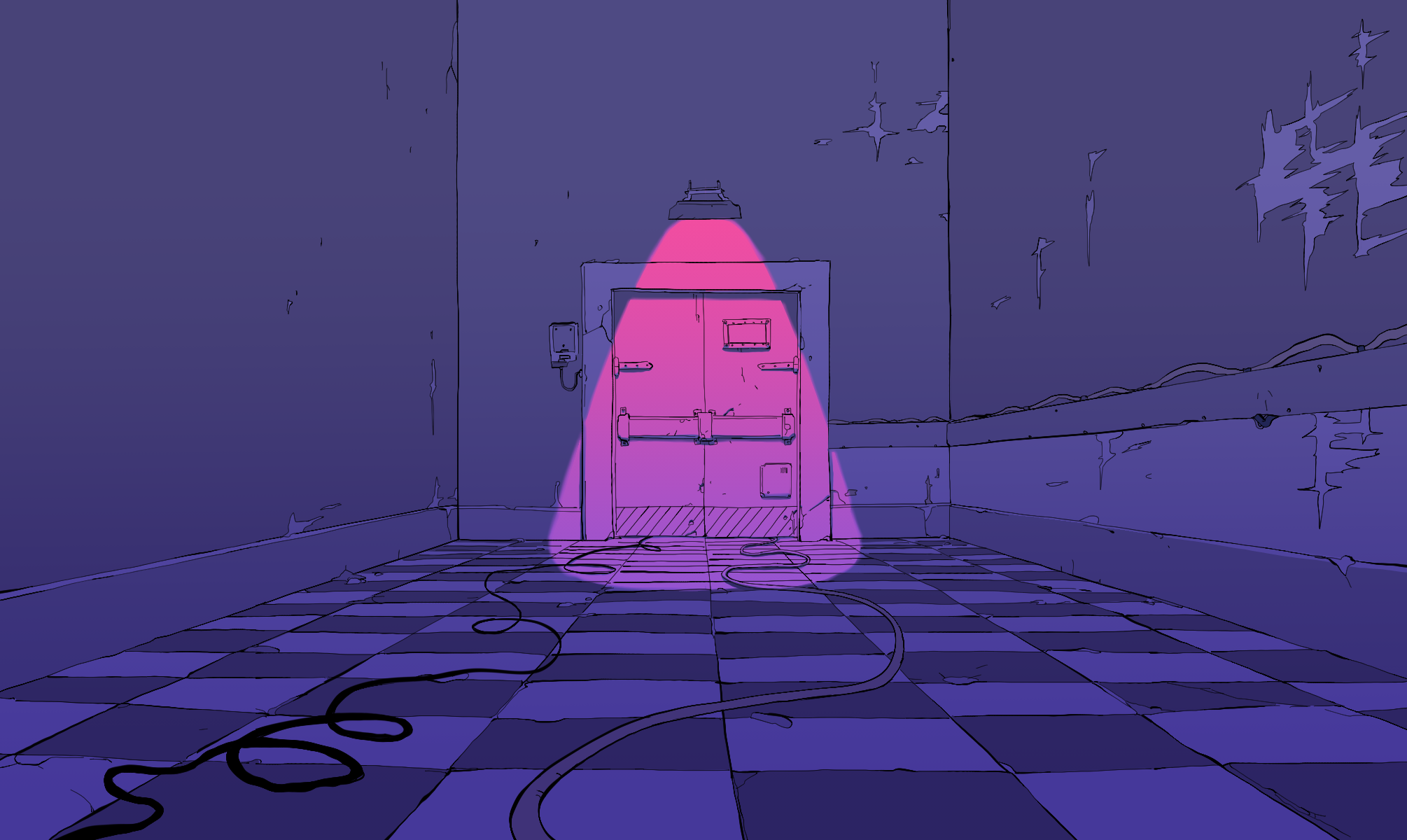
The Mission Folder is an evidence workspace. Read both sides of each document and move overlapping pieces apart before drawing conclusions. The control illustrations below use the game's own interface artwork.
These are the game's mouse and keyboard controls. On this website, images, expandable examples and notes use ordinary browser controls; the page does not reproduce the playable dossier.
Four controls to remember

1. Select and move documents
Use the left mouse button to select a document and move it. Pull partly hidden pieces into view so a date, signature or picture edge is not covered by another item.

2. Flip the selected document
While holding the left mouse button on a document, press Space. Check the back of postcards, photographs and clippings; the reverse may change how you interpret the front.

3. Open hand notes
Use the hand icon or right mouse button. Select a category with the mouse, then type with the keyboard. The in-game notes remain available during the mission.

4. Close the Mission Folder
Press Esc or use the cross icon. Before leaving, confirm that each unresolved identity fact has an evidence reference, rather than relying on a vague memory of the page.
Write prompts you can use in conversation
Keep a short entry for the assumed identity, a separate one for the person you will meet, and another for shared events. Dates, occupations and relationships are easier to retrieve when they are not mixed into a paragraph.
Mark contradictions explicitly. For example, distinguish what a photograph shows from when it was taken. The website's dossier planner is a separate scratchpad: it does not transfer notes into the game.
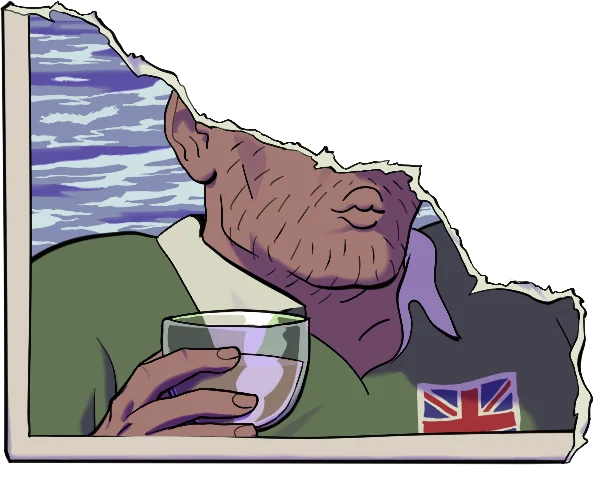
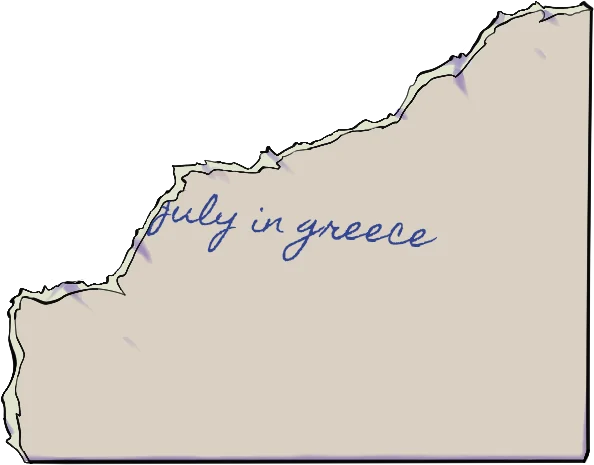
Optional example: front and back of a tutorial photograph · minor spoilers
The same photograph has a visual side and a written reverse. Read them together before answering a question about a holiday. This example reveals a tutorial clue, so open it only if you want to see the actual document.
Sources, method and limits
Official game analysis reviewed on October 15, 2026 supplies the interface terms, appearance labels, controls and identifying artwork. Current release facts and the game’s stated mechanics come from the official Steam page. The optional story guide summarizes the narrative and evidence without reproducing the dialogue script. Visual references illustrate the guides; they do not replace the game.